🍂 Save 20% this fall – code 8J4NS8JR. Ends Oct 30. Get the offer.


🍂 Save 20% this fall – code 8J4NS8JR. Ends Oct 30. Get the offer.


Free Supplement Facts Label Generator

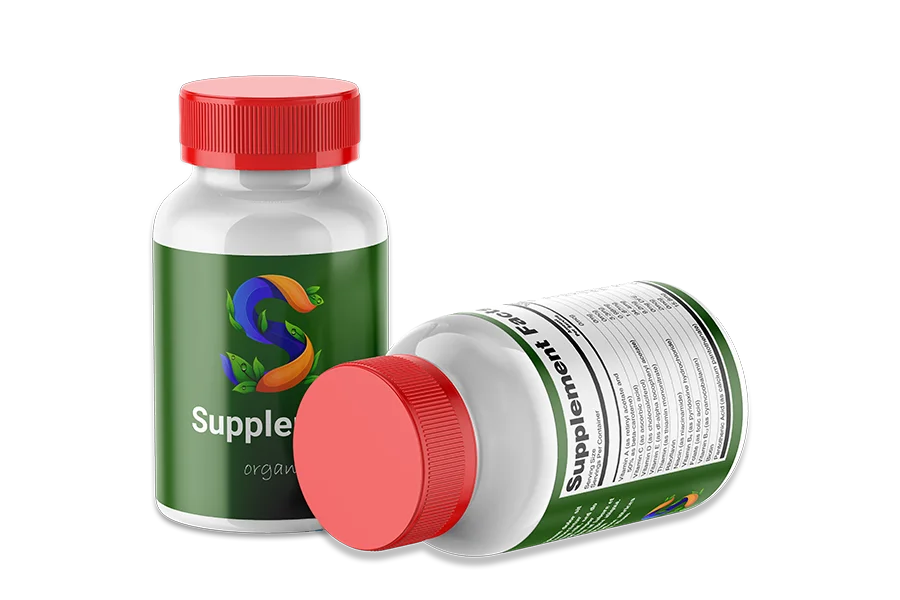
Experiment with a free Supplement Facts label generator. Add nutrients, ingredients, and serving information to build and download your supplement facts label. 


supplement label

* Final labels should be reviewed for compliance with applicable FDA requirements before printing or distribution.

Supplement Setup

Add Nutrient

Add Botanical Ingredient

Proprietary Blend


Other Ingredients

Ingredients List

Preview Your Label

Supplement Facts
Serving Size —
Servings Per Container —
Amount Per Serving% Daily Value
†

⚠️ Important Disclaimer
This label output is generated for preview purposes only and is not FDA‑compliant. The calculations and presentation shown here may be incomplete or inaccurate due to limitations in this tool, including (without limitation) unit normalization, nutrient‑specific IU conversions, rounding/significant‑figure rules, % Daily Value methodology, required vs. optional nutrient line items, proprietary blend disclosure requirements, and other jurisdiction‑specific formatting and regulatory rules.  

Trusted by

Sparkle Wellness Logo
Healthy Planet Logo 2

How to Use the Free Supplement Facts Generator

01

Enter Serving Information

Add serving size and servings per container.

02

Add Nutrients and Ingredients

Enter vitamins, minerals, botanicals, and other supported dietary ingredients.

03

Preview Your Label

Review nutrient amounts, applicable %DV, and your
Supplement Facts panel.

04

Download Your Preview

Save your generated panel for reference and further review.

DISCOVER MENUSANO

Need More Than a Free Label Generator?

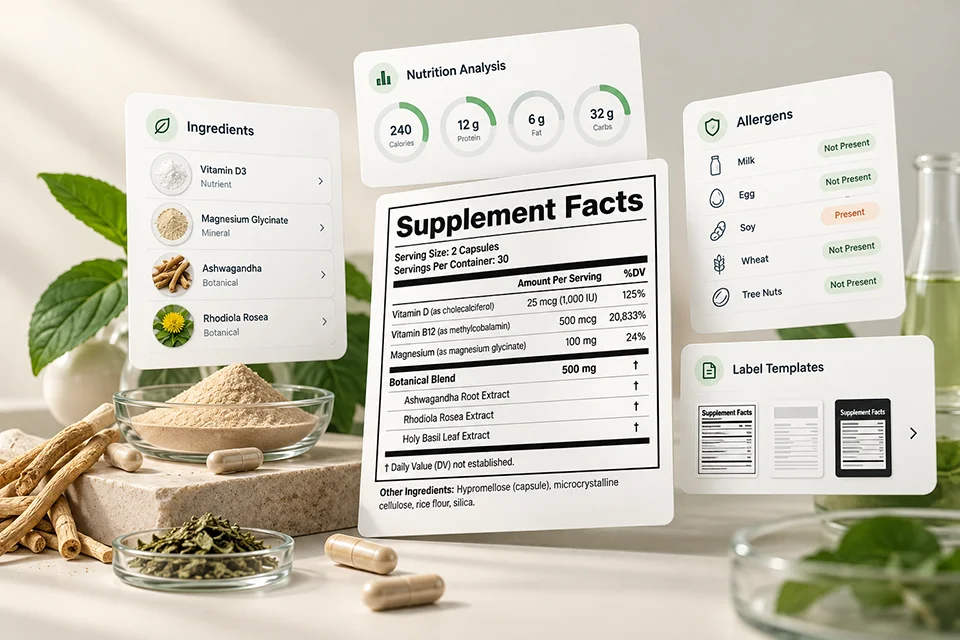
The free tool helps you explore Supplement Facts labels. MenuSano goes further, helping food and supplement businesses manage nutrition analysis, ingredients, allergens, and labeling workflows.

Explore MenuSano's Supplement Labeling Software
MenuSano software dashboard for nutrition analysis and food labeling

Explore Supplement Facts Label Formats

Use the free generator to explore how different supplement ingredients appear in an FDA-style Supplement Facts panel.


NUTRIENT DECLARATIONS 01 / 04
Supplement Facts
Serving Size: 2 Capsules
Servings Per Container: 30
Amount Per Serving %DV
† Daily Value not established.

Illustrative example only. Not a compliance-verified label.

FDA Supplement Facts Label Requirements

A compliant dietary supplement label must follow FDA requirements for ingredient declarations, nutrient amounts, Daily Values, formatting, and other mandatory information. Here are six key areas to understand.


01

Serving Information

Declare the serving size and, when required, servings per container.

02

Dietary Ingredients

List applicable vitamins, minerals, botanicals, and other dietary ingredients with their required quantities.

03

Percent Daily Value

Display % Daily Value where established. For ingredients without an established Daily Value, use the required notation.

04

Proprietary Blends

Declare the total weight of the blend and list its dietary ingredients in descending order of predominance by weight.

05

Formatting & Legibility

The "Supplement Facts" heading must be larger than other panel text. Generally, required information uses at least 8-point type, with exceptions for certain packages.

06

Other Label Information

Include required product identity, net quantity, ingredient statements, and responsible business details elsewhere on the package.

Important: A Supplement Facts panel is only one part of a compliant dietary supplement label. Other requirements may apply. Read the FDA labeling guide.

Choose Your Next Step

FAQ

Is this Supplement Facts label FDA‑compliant?

No. This Free Supplement Label Generator creates a draft label preview only and is not FDA‑compliant. It does not implement the full FDA Supplement Facts requirements (including formatting rules, mandatory disclosures, rounding thresholds, and nutrient‑specific calculation logic).


Is the Supplement Facts label generator free?

Yes. You can use the free generator to enter supported supplement ingredients, explore an FDA-style Supplement Facts panel, and download a draft preview.


Can I use the generated label on a supplement product I'm selling?

Not as-is. Commercial supplement labels must meet applicable FDA requirements. The free generator is intended for exploration and drafting, not as a final print-ready label for sale.


What ingredients can I add to the Supplement Facts panel?

You can enter supported vitamins, minerals, botanical ingredients, and other dietary ingredients. Available fields and calculations depend on the free generator’s supported options.


Can I create a Supplement Facts label with proprietary blends?

The free generator lets you explore basic proprietary blend information in a Supplement Facts panel. However, it does not validate ingredient ordering, blend declarations, or other applicable FDA requirements.


Why are some % Daily Values missing or different from what I expect?

% Daily Value calculations depend on nutrient-specific reference values, units, conversions, and rounding rules. The free generator uses simplified calculations, so some values may differ from final label requirements or appear blank when a calculation is unavailable.


Can I download my Supplement Facts label?

Yes. You can download the generated panel as a draft preview for reference and further review. It should not be treated as a finalized, compliance-verified label.


How can I create a Supplement Facts label for commercial use?

For commercial labeling, you need reliable nutrient information, applicable FDA formatting and declaration requirements, and a final compliance review. Explore MenuSano’s Supplement Labeling Software for broader labeling workflows, or hire a specialist for professional assistance.


The Proof is in the Pudding

Testimonial Card Slider
trevor's pizza image testimonial

Simple Interface, Good Feature Set, Excellent Price. Very easy to use, and comes with a short tutorial.

Trevor Nawalkowski - Trevor's Pizza

bonbon collections image testimonial

Sending our recipes to a nutritionist, or out to a lab and having to wait three weeks for results is timely. Instead we use MenuSano, a web-based nutritional calculator. It really has made this journey easier for me.

Thao Nguyen - BonBon Collections
township 27 image testimonial

MenuSano delivered on all fronts; nutrition labeling, ingredient sourcing, and all kinds of applications we hadn't even thought of. Sooo intuitive and easy to use, not sure where we would be without them!

Eric Krautheim - Township 27
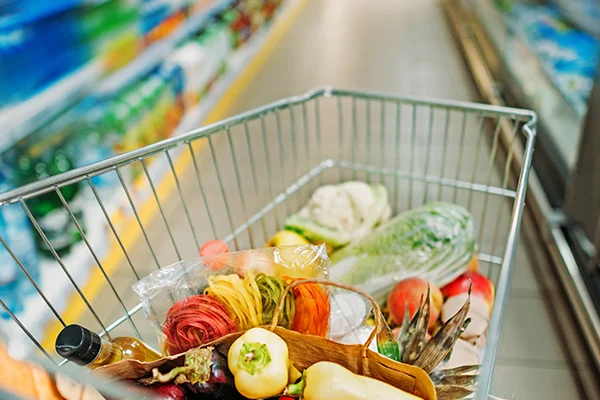
boundary labels image testimonial

I was immediately impressed by their expertise and openness to feedback.

Caroline - Boundary Labels
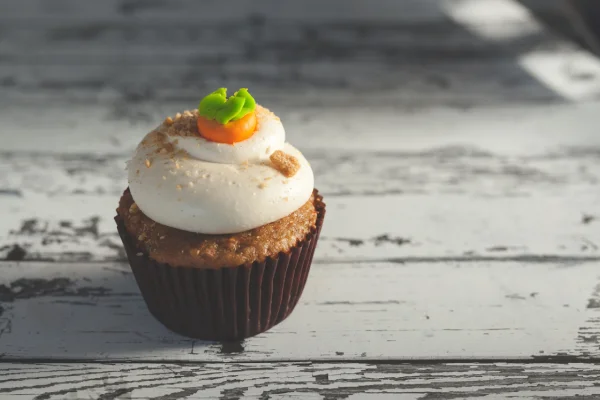
bridgehead image testimonial

MenuSano allows us to calculate our recipes with accuracy and instantly, it checks potential variations in the recipe.

Kevin Harbison - Bridgehead
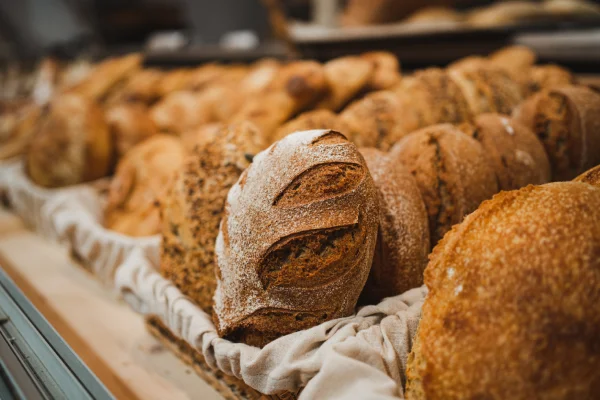
windmill bakery image testimonial

The one thing we were surprised to find out is how much sodium our recipes contain. We thought we used minimal salt but Menusano helped us discover that some of our recipes contained a surprising amount, which made us change some of our recipes.

Grace Willows - Windmill Bakery
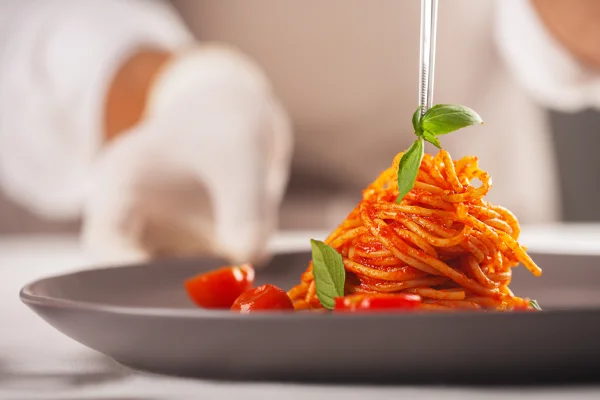
jessica's gourmet image testimonial

The best software by far for food companies. This software saved me. I had a deadline and the person I usually get to do my nutritional was not available. Thanks to this software, we will be doing it all ourselves from now on.

Jessica Otano - Jessica's Gourmet

trelfa labs image testimonial

MenuSano was able to adapt, use creativity, grow, and even assist in projects to ensure our company met our client requests.

Jon Trelfa - Trelfa Labs
More Free Food & Nutrition Tools

Latest Blog Articles

Ready to buy?

If you’re not 100% sure yet, start with our free trial and upgrade when you’re ready.

Ready to buy?

If you’re not 100% sure yet, start with our free trial and upgrade when you’re ready.

Ready to buy?

If you’re not 100% sure yet, start with our free trial and upgrade when you’re ready.

Ready to buy?

If you’re not 100% sure yet, start with our free trial and upgrade when you’re ready.

Ready to buy?

If you’re not 100% sure yet, start with our free trial and upgrade when you’re ready.

Ready to buy?

If you’re not 100% sure yet, start with our free trial and upgrade when you’re ready.

Contact Us


We take your privacy seriously and will never share your information.

The Healthy Menu Podcast

Request a Feature

Contact Us

We take your privacy seriously and will never share your information.